
Formats, TVs and fixes.
Find practical help for supported files, playback controls and the seven TV families AIX Player supports. Straight to the fix, in words that make sense.
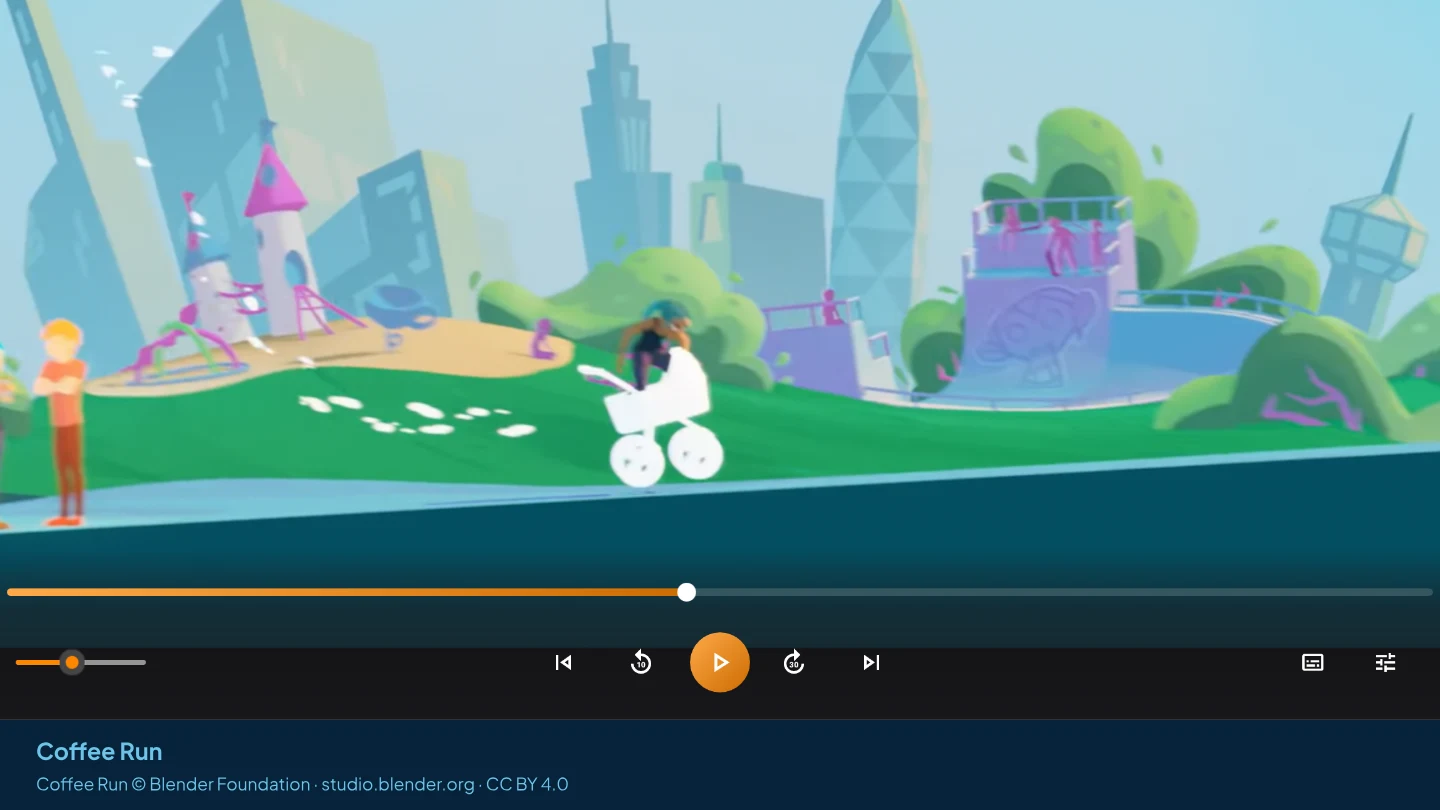
From the blog: Sound but no picture? · Picture but no sound? · MKV player for Windows · All articles
Formats & codecs
The files people are told they cannot open — and why that stops being true. Film behind the cast list: Charge © Blender Foundation / studio.blender.org, CC BY 4.0.
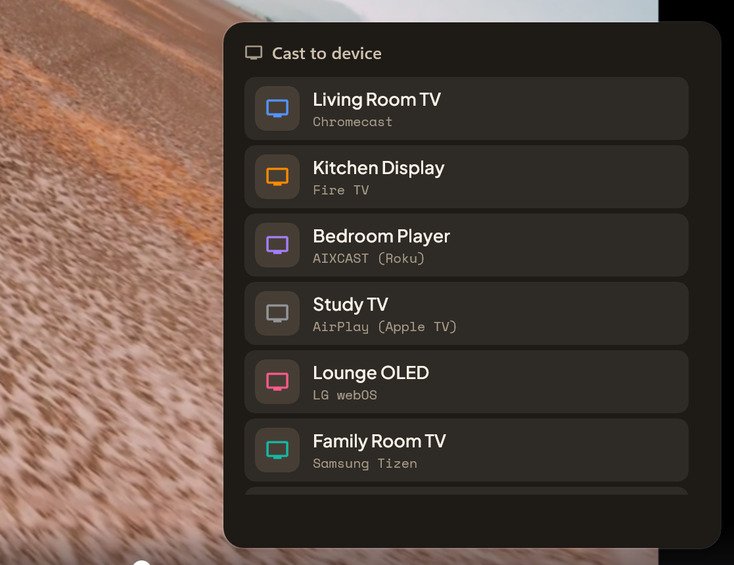
Casting videos to your TV
Getting supported files onto the big screen, with the subtitle you choose shown on the TV.
Subtitles
Loading them, timing them, styling them, and getting them onto the TV.
Picture & HDR
Getting the intended image and troubleshooting stutter or washed-out colour.
Sound
The mix problems people notice most, and the controls that solve them.
Library & everyday use
Living with a collection: finding things, resuming them, watching while you work.
Try it on the file that wouldn't play.
Free to download, with no ads. See HDR playback options.
GET IT FROM Microsoft Store