
Native on Snapdragon, Intel and AMD PCs
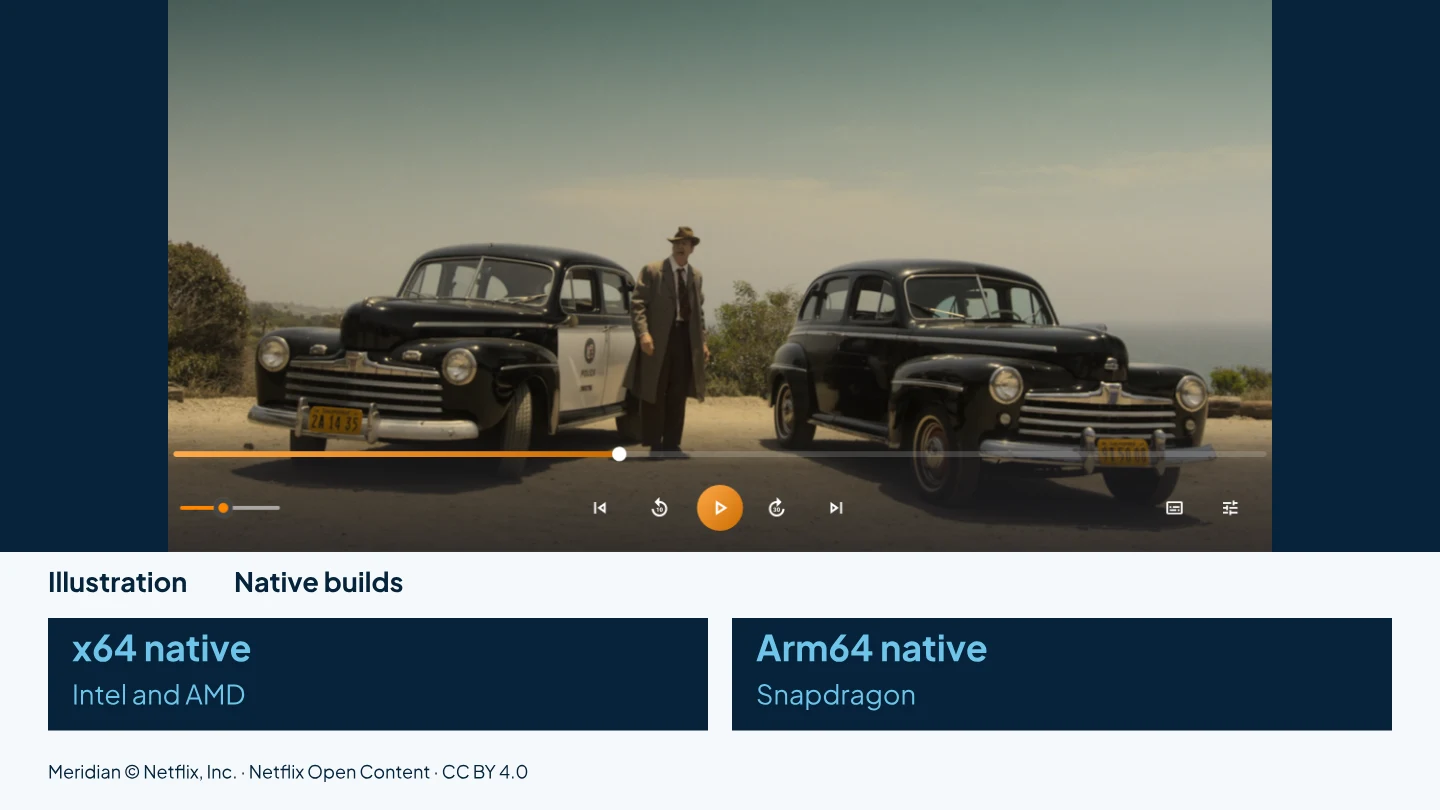
AIX Player has two native builds: x64 for PCs with Intel and AMD processors, and Arm64 for Snapdragon PCs, including Snapdragon Copilot+ PCs. The Microsoft Store package includes native x64 and Arm64 builds for supported PCs.
Get AIX free from Microsoft StoreWindows 11 & 10 · Guide reviewed 28 October 2026
A native x64 build for the processors most Windows PCs use.
A native Arm64 build for Snapdragon PCs, Copilot+ PCs among them.
System requirements
- Windows 11, or Windows 10 version 2004 (build 19041) or later, 64-bit.
- A native build for your processor: x64 for Intel and AMD, Arm64 for Snapdragon.
- Graphics acceleration where it is supported. It varies by format, graphics support and driver; unsupported paths use the processor.
Why a native build matters on Arm64
On an Arm64 Windows PC, an app built only for x64 runs through a translation layer, and a film is thousands of frames that each have to be decoded on time. AIX Player is compiled for Arm64, so the app itself does not need x64 translation. On Intel and AMD PCs the x64 build runs natively in the same way.
Hardware decoding where supported
Hardware decode is on by default (Settings → Video → Hardware decode: “Use the GPU to decode video, or fall back to the CPU”). AIX Player uses the graphics hardware where the format and the driver support it, including supported Snapdragon video hardware, and the processor where they do not. If playback is not smooth, update the graphics driver first; the hardware acceleration guide says where to find it for NVIDIA, AMD, Intel and Snapdragon.
Casting conversion on Intel, AMD, NVIDIA and Snapdragon
When a TV cannot play a file directly, AIX Player converts it while it streams. On PCs with supported Intel, AMD or NVIDIA graphics, the graphics hardware can speed up that conversion. On Qualcomm Snapdragon PCs, only H.264 encoding is hardware-assisted; decoding and tone mapping for the conversion use the processor. Results depend on the video, the PC, its drivers, the network and the TV. How casting works.
The same app on both
A native Arm64 build is not a reduced version. Casting reaches the same seven TV families, subtitles are handled the same way, and the same file types open on both builds.
How to check whether an app runs natively
Task Manager can show the architecture of a running app. On an Arm PC, an app listed as x64 uses Windows translation, while an Arm64 listing means a native build. How much difference that makes varies with the workload and the PC; smoothness, temperature and battery use still depend on the file, hardware, driver, display and power settings.
Native on the PC you have.
One Microsoft Store listing for Intel, AMD and Snapdragon PCs.
GET IT FROM Microsoft StorePlaying standard-range video on your PC is free, with no ads. See current pricing in the Microsoft Store.