
How to play MKV files on Windows 11
Install AIX Media Player from Microsoft Store, then open your MKV file with AIX Player. SDR playback is free with no time limit. HDR has a separate free allowance. See HDR playback options. MKV can contain different video, audio and subtitle formats, so support also depends on what is inside the file. The MKV player page lists what AIX Player decodes inside them.
Get AIX free from Microsoft StoreWindows 11 & 10 · Guide reviewed 28 October 2026
Open an MKV in three steps
- Install AIX. Use the official Microsoft Store listing linked above.
- Open your file. In File Explorer, right-click the MKV, choose Open with, then AIX Player. If it is not listed immediately, expand the app choices.
- Choose your tracks. Reveal the playback controls and choose an available audio or subtitle track. A file may contain several languages, or no subtitles at all.
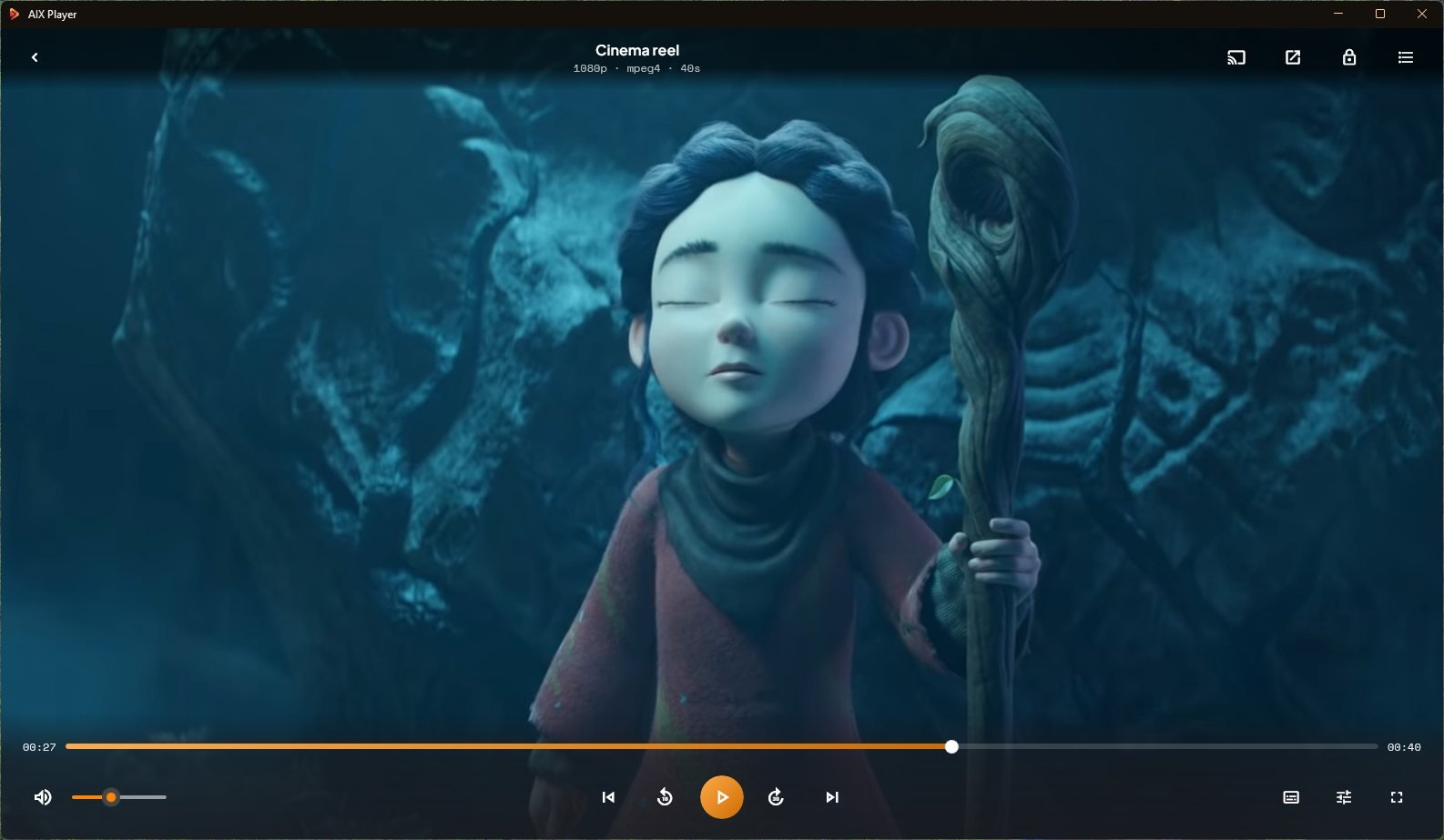
What is inside an MKV?
MKV is a container: it can hold video, audio, subtitles and chapter information. Different MKV files can use different codecs: HEVC, AV1 or H.264 video, and AAC, AC-3 or another surround or lossless soundtrack, for example. A missing or unsupported track, or a damaged file, can affect playback even when the extension is the same. The video formats page explains containers and codecs.
No picture, or playback stops
Check that the download or copy finished. Try a known-good local video. If only one file fails, its container or tracks may be damaged or unsupported. If you hear the sound over a black screen, follow the black screen with sound guide.
Picture but no sound
Switch the audio track from the audio menu first: some files start on a commentary or another language. Then check the volume and mute and the output under More → Audio settings → Audio device (under Advanced). The no-sound guide goes through each step.
No subtitles
First check whether the MKV contains a subtitle track. For a separate subtitle file, follow the subtitle troubleshooting guide.
Stutter or unusual colours
Check the HEVC guide, 4K stutter guide and HDR troubleshooting guide. The file extension alone does not identify the codec or prove the file is HDR.
Want to watch on a TV?
Compatibility depends on the receiver, video, audio and subtitle formats. Start with the casting guide for your device. Casting has a separate free allowance; see Free and Pro.
Related reading
Try it on the file that wouldn’t open.
Play supported video files on your PC. SDR playback is free with no time limit. HDR has a separate free allowance. See HDR playback options. Optional Pro features are available in Microsoft Store.
GET IT FROM Microsoft Store