
How to play HEVC / H.265 video on Windows 11
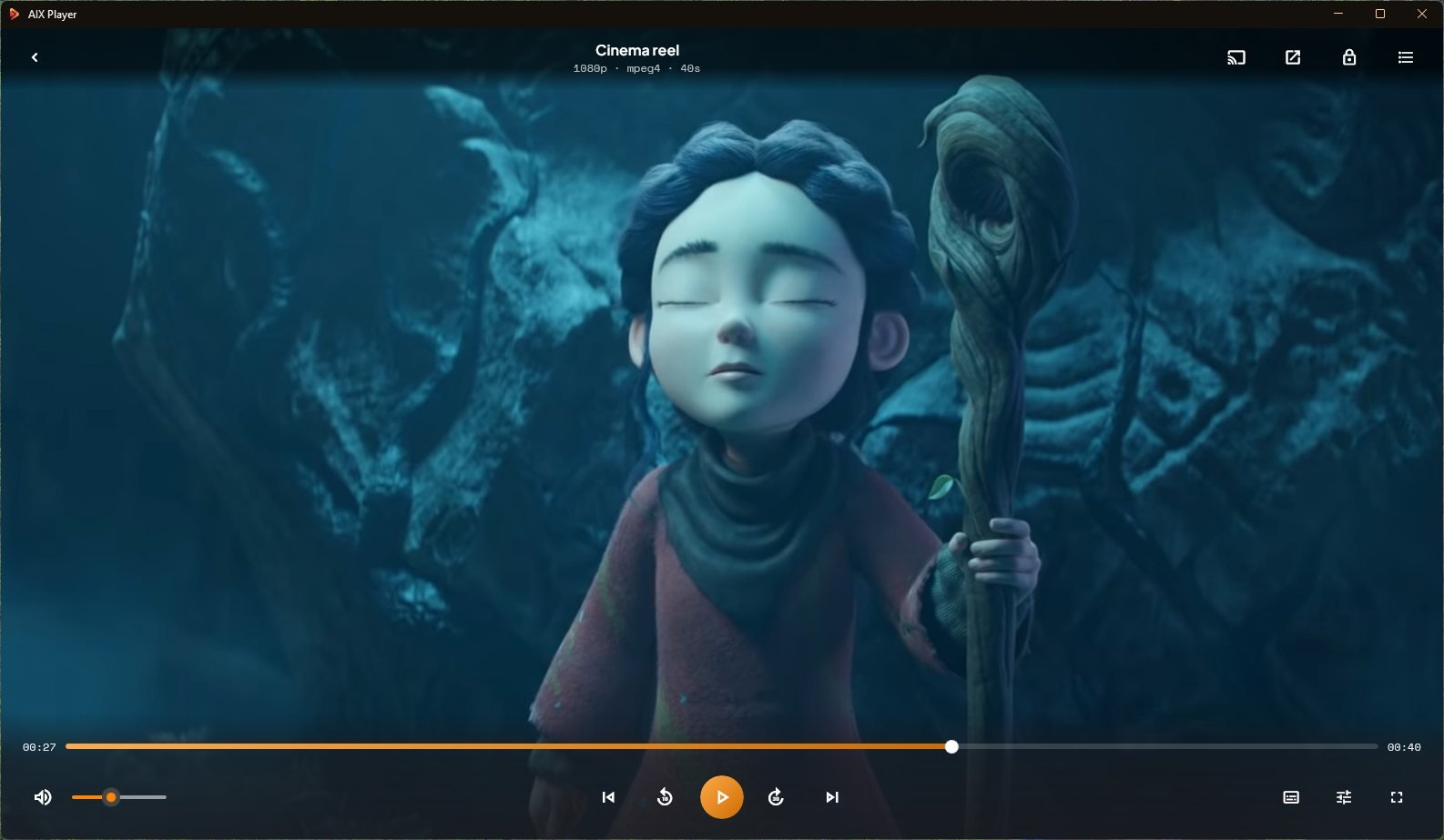
AIX Player plays HEVC (H.265) video on Windows 11 and 10 with its own decoder, so you do not need the HEVC Video Extensions or a codec pack. Install it from the Microsoft Store and open the video with AIX Player. SDR playback is free with no time limit. HDR has a separate free allowance. HDR playback is part of AIX Pro with a 180-minute trial. See HDR playback options.
Get AIX free from Microsoft StoreWindows 11 & 10 · Guide reviewed 28 October 2026
Open an HEVC video in three steps
- Install AIX Player. Use the official Microsoft Store listing linked above.
- Open the video. In File Explorer, right-click the file, choose Open with, then AIX Player. HEVC video may be inside an MKV, MP4, MOV or another supported container.
- Check playback. Try the video on the PC before casting. Choose an available audio or subtitle track if the default is not the one you want.
Do you need the HEVC Video Extensions?
Not for AIX Player. Apps that rely on Windows’ own decoders need Microsoft’s HEVC Video Extensions to show HEVC video, and without them you get an error or sound over a black screen. AIX Player decodes HEVC inside the app, so it plays whether or not the extensions are installed, and nothing else on your PC changes.
HEVC, H.265, MKV and MP4: what is the difference?
HEVC and H.265 are two names for the same video codec. MKV and MP4 are containers. A file extension alone does not establish which codec or HDR format is inside. Read the MKV playback guide for more about containers.
HEVC 10-bit and HDR
Much HEVC video is 10-bit, the Main 10 profile, which describes 1,024 shades per colour channel instead of 256 and keeps gradients smooth. 10-bit video in standard range (SDR) is free in AIX Player with no time limit, in 4K too.
HEVC is also how most HDR video is delivered, but HEVC is not automatically HDR. A video counts as HDR when its picture uses HDR10 or HDR10+, HLG, or DV HDR. On an ordinary screen AIX Player tone-maps HDR to fit, so it does not look washed out. 4K HDR playback is part of AIX Pro, with a free allowance in the app.
If playback stutters
Hardware decode is on by default (Settings → Video → Hardware decode): where your graphics chip supports HEVC and its profile, the chip decodes it, and the processor takes over where it does not. Processor decoding of 4K 10-bit HEVC is demanding, so if it stutters, follow the 4K stutter guide and update your graphics driver.
If colours look wrong
Pale or grey HDR: use the HDR troubleshooting guide. Green, pink or blocky colours: see fix a green or pink picture. Correct HDR presentation depends on the source, the display and the Windows configuration.
If the file will not open, or subtitles are missing
Check for an incomplete copy or download. Working in a different player is useful troubleshooting evidence, not proof of a particular codec. For missing subtitles, follow the subtitle troubleshooting guide.
Playing on a TV
Follow the guide for your receiver. Most TV families AIX Player casts to can play HEVC directly, depending on the model; when a TV cannot, the video is converted while it streams. HDR stays HDR when the TV can play the file directly; otherwise the picture is converted to SDR for the TV. Casting has its own free allowance; see Free and Pro.
Try it on the file that wouldn’t open.
Play supported SDR video files on your PC, free with no time limit and no ads. See what is free and what AIX Pro adds.
GET IT FROM Microsoft Store