
4K HDR video player for Windows 11 and 10
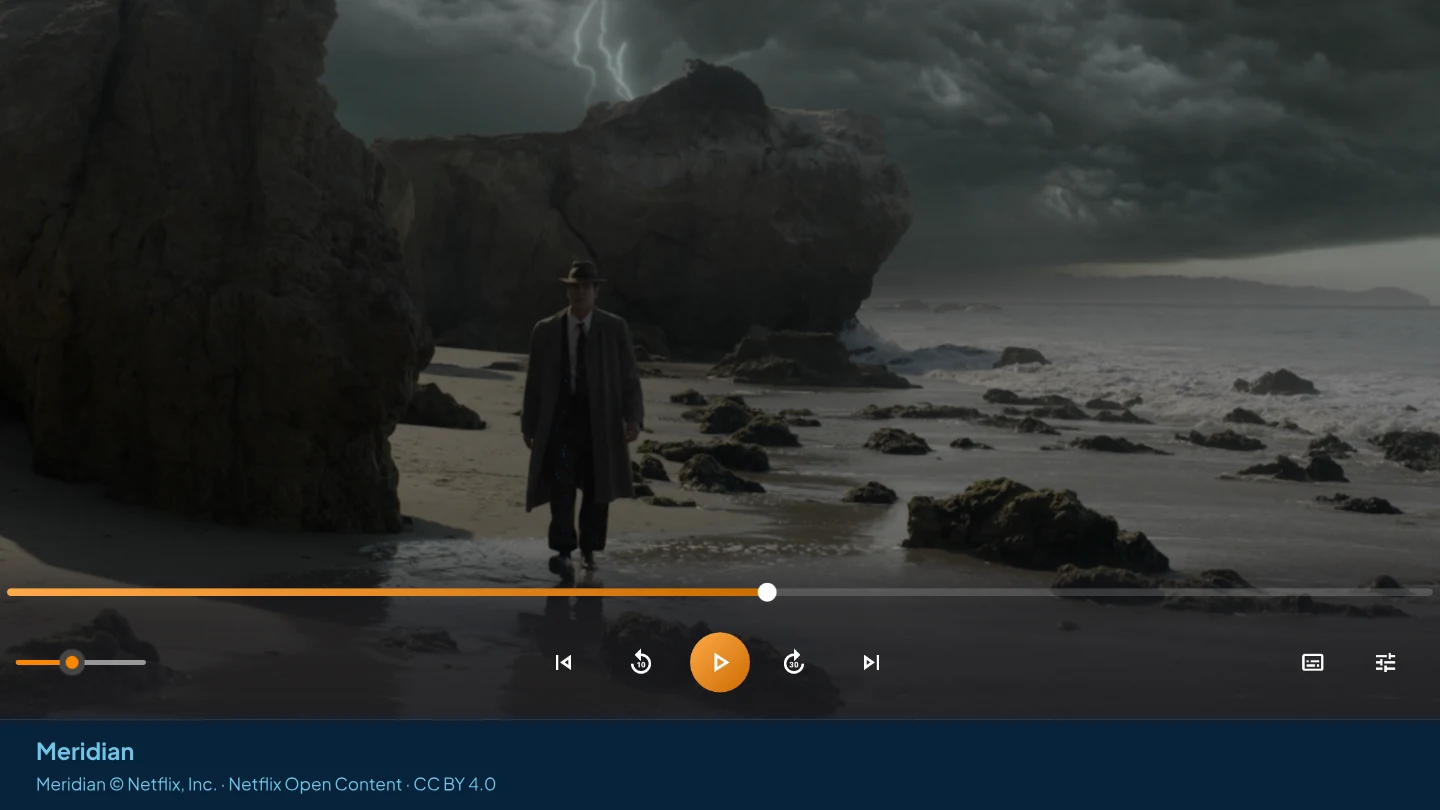
AIX Player plays 4K and HDR video on Windows: HDR10, HDR10+, HLG and DV HDR, in MKV, MP4, MOV, TS and the other common file types. On an ordinary screen it tone-maps HDR to fit, so bright highlights and dark shadows keep their detail instead of turning grey. 4K and 10-bit video in standard range is free with no time limit; HDR playback is part of AIX Pro, with a free allowance to try it first.
Get AIX free from Microsoft StoreWindows 11 & 10 · x64 and Arm64 · Updated 28 October 2026
What it plays
- Resolution: 4K Ultra HD, and up to 8K where your PC can decode it. The app sets no resolution cap below 8K.
- HDR formats: HDR10 and HDR10+, HLG and DV HDR.
- Video codecs: HEVC (H.265), AV1, VP9 and H.264, the codecs most 4K video uses, all decoded inside the app. There is no codec pack to install.
- Bit depth: 10-bit video, in standard range or HDR.
- Files: MKV, MP4, MOV, TS and M2TS, WebM and the rest of the 81 file types AIX Player registers with Windows.
On a compatible HDR display with Windows HDR enabled, AIX Player requests HDR output. On an SDR display it tone-maps the picture. Correct appearance still depends on the file, display and Windows configuration.
HDR on an ordinary monitor
Most monitors and laptop screens show standard dynamic range (SDR). An HDR film describes highlights far brighter than they can produce, and sent to them untouched it looks flat, grey or too dark. AIX Player tone-maps the film instead: it fits the film’s range into the range your screen can show, so a bright window stays bright and a dark room keeps its detail.
The free HDR Tone-Mapping switch is in More → Video settings; it defaults to off, which keeps automatic tone mapping; on selects the chosen curve. HDR tone-mapping strength is part of AIX Pro, together with saturation, gamma, hue and the video modes. Brightness, contrast and deband stay free. If HDR still looks pale or dark, the washed-out HDR guide goes through the causes.
4K decoding: graphics chip first, processor as fallback
Hardware decode is on by default (Settings → Video → Hardware decode). AIX can use supported graphics decoding and fall back to software; playback still depends on the file and PC. Whether 4K or 8K plays smoothly depends on your PC. If it stutters, the 4K stutter guide checks decoding, storage and power settings, and hardware acceleration explains what the graphics chip takes on.
What is free, and what AIX Pro adds
4K and 10-bit video in standard range (SDR) is free without a time limit. A video counts as HDR when its picture uses the PQ transfer (HDR10 and HDR10+), HLG, or DV HDR; a high bit depth or a wide colour gamut on its own is not HDR.
- The free app includes 180 HDR playing minutes once per install, for HDR from local files and network shares, including tone-mapped playback on an ordinary display. Only playing time counts: paused time and seeking do not use trial minutes.
- When the minutes run out, the video pauses and offers AIX Pro. After the trial, each HDR video plays for 150 seconds before pausing. Your library and saved connections stay in place.
- AIX Pro makes HDR playback unlimited, and adds HDR tone-mapping strength and the other Pro picture controls.
- HDR from a media server counts only against the media-server minutes, and casting only against the casting minutes. Free and Pro lists every allowance.
4K HDR on your TV
AIX Player can cast a 4K HDR file to a supported TV. HDR stays HDR when the TV can play the file directly; otherwise the picture is converted to SDR for the TV. Casting has its own allowance: the free app includes 60 casting minutes in total, once, and AIX Pro removes that limit.
Related reading
Open the file that would not play.
Play supported SDR video files on your PC, free with no time limit and no ads. See what is free and what AIX Pro adds.
GET IT FROM Microsoft Store