
Play a video link or live stream on your PC
Paste an address and press play. AIX Player opens direct links to video files and HLS, DASH, RTSP and RTMP streams in the same player you use for the files on your PC.
Get AIX free from Microsoft StoreWindows 11 & 10 · Guide reviewed 28 October 2026
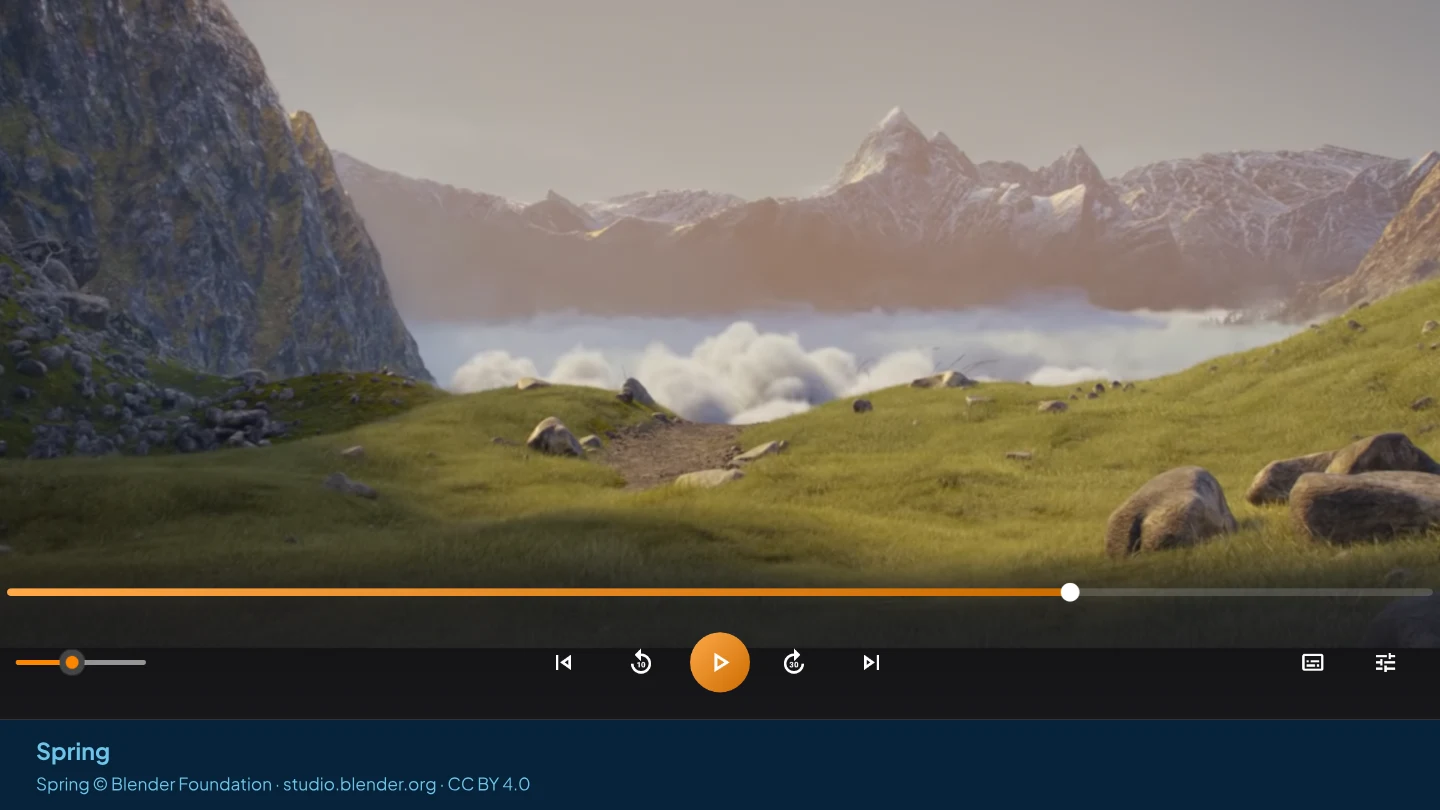
Play a link in three steps
- Copy the address. A link straight to a video file, an HLS playlist (.m3u8), an MPEG-DASH manifest (.mpd), or an RTSP or RTMP address.
- Open it from Folders. In AIX Player, choose Folders → Open → Open stream URL.
- Paste the address and play. The video or stream opens in the same player you use for files on your PC.
Which addresses work
Use the address of the video or stream itself, not the address of a web page that shows it. AIX Player opens these kinds:
| Address | What it is |
|---|---|
| Direct video link | A direct media address, such as an MP4 or MKV served over the web; a filename extension is not required. |
| HLS | An HTTP Live Streaming playlist, usually ending in .m3u8. Used for live channels and on-demand video alike. |
| MPEG-DASH | A DASH manifest, usually ending in .mpd. |
| RTSP | A real-time stream address beginning rtsp://, which many IP cameras offer. |
| RTMP | A stream address beginning rtmp://. |
Live streams: the LIVE badge and Go to live
When AIX detects live playback, it shows LIVE. A seek window and Go to live appear only when the player has a cached continuous range.
Free on your PC
Playing standard-range (SDR) video from a link is free, the same as files on your PC and network shares. HDR video from a link follows the HDR allowance, or plays without a limit with AIX Pro.
Keep a video for later
A direct link, an HLS playlist or a DASH manifest can also be saved to your PC to watch later. See offline downloads for how, and for the quality choices.
Watching on the TV
These steps play the link on your PC. To put a video on the TV, cast a video file from your PC’s own drives or from a USB or SD drive. If your films live on Jellyfin, Emby or Plex, play them from Media Servers instead.
Open only streams and links you have permission to watch.
Open a supported video link.
Install AIX Player, then choose Folders → Open → Open stream URL and paste the address.
GET IT FROM Microsoft StorePlaying standard-range video on your PC, from files, network shares or links, is free with no ads. See current pricing in the Microsoft Store.